Alight Motion VS VN Editor: Which One Offers More Professional Effects?
If you’re diving into mobile video editing, two apps you’ll likely run into are Alight Motion vs VN Editor. Both pack powerful tools into phones and tablets, but they target slightly different creators. Below is a straight-to-the-point, human-written comparison designed to help you pick the one that gives the look and professional effects you want — plus a clear recommendation at the end.
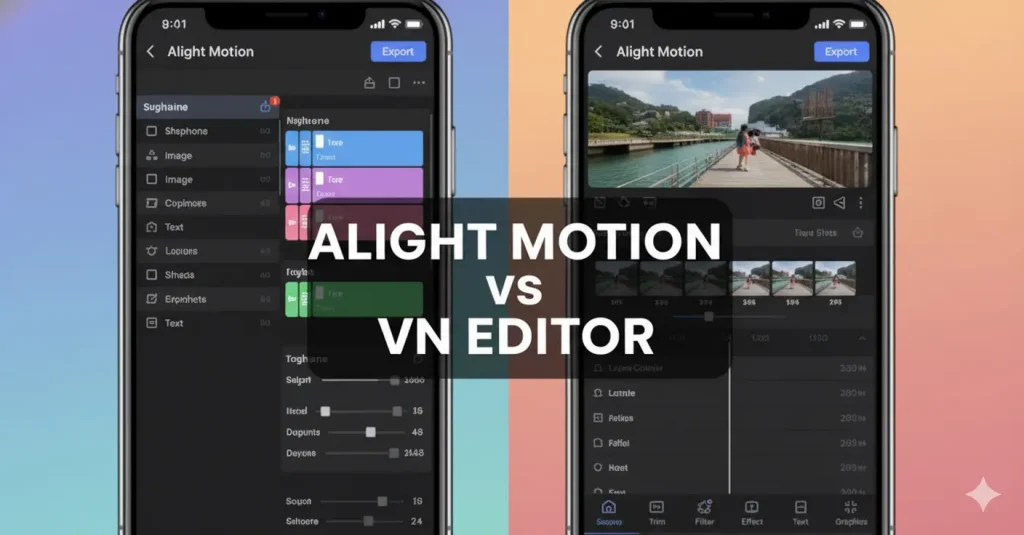
Alight Motion VS VN Editor
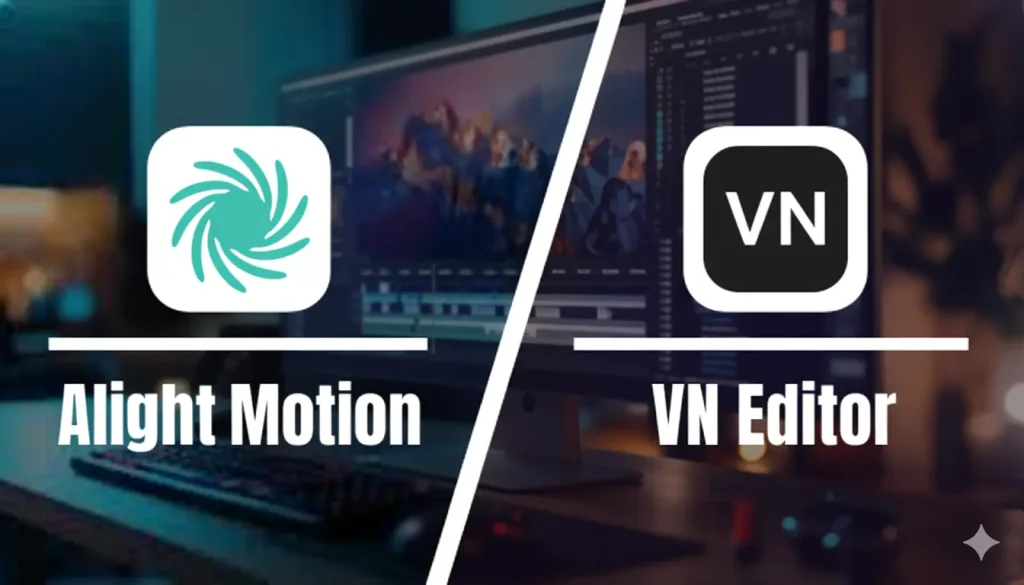
- Alight Motion: Best for motion graphics, advanced animation, layer-based compositing, and designers who want granular control over keyframes and visual effects.
VN Editor: Best for fast, polished editing, social-ready outputs, multi-track timeline editing, and creators who want a simple workflow with professional-looking results quickly.
Head-to-head comparison (at-a-glance)
| Category | Alight Motion | VN Editor |
| Target users | Motion designers, animators, creators who want fine control | Vloggers, social creators, editors who want fast polished videos |
| Interface style | Layer-based, timeline + object panel (steeper learning curve) | Track-based timeline, cleaner and simpler UI |
| Animation & keyframes | Extensive, per-parameter keyframing, easing curves | Basic to intermediate keyframing (good for motion but not as granular) |
| Effects & filters | Large library (color, blend modes, effects stacks, vector shapes) | Strong set of filters, transitions, color tools (more preset-driven) |
| Compositing & masks | Advanced masks, blend modes, vector support, shape layers | Basic masks and overlays, limited vector tools |
| Text & motion typography | Rich text animation controls, animated shape/text presets | Good text templates and motion text, faster to use |
| Audio tools | Basic audio editing, ducking limited | Stronger audio timeline control, easy sync & trimming |
| Export options | High-quality exports (frame rates, transparent bg in some tiers) | Multiple aspect ratios, social presets, fast exports |
| Collaboration & project sharing | Project files export/import, less cloud collaboration | Cloud project saving & easy sharing across devices |
| Learning curve | Moderate–High | Low–Moderate |
| Free version limitations | Watermark on export in free tier for some features | Free version powerful; some exports/advanced features behind paywall |
| Approx. price (typical ranges)* | Free; Premium monthly/yearly (varies) | Free; Pro subscription monthly/yearly (varies) |
| Best for | Motion graphics, animated intros, designers | Vlogs, social clips, multi-clip edits fast |
Feature deep-dive Alight Motion VS VN Editor
1. Effects & Motion
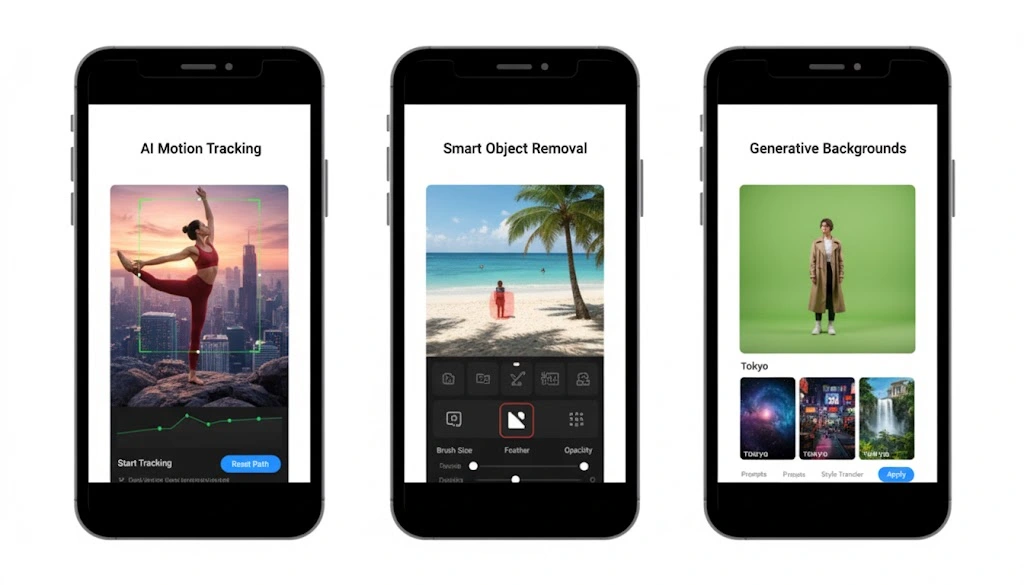
- Alight Motion shines here. It offers per-parameter keyframes, curves, and a layered effects workflow that mirrors basic motion-graphics software. If you want custom easing, complex shape animations, animated masks, or blend-mode stacking — Alight Motion is more powerful.
- VN Editor focuses on speed: clean transitions, fast motion presets, and easy-to-use text animations. You get professional-looking effects quickly, but not the same level of microscopic control.
2. Timeline & Editing Workflow
- Alight Motion is layer-centric (more like After Effects-lite). That gives flexibility but a steeper learning curve.
- VN uses a multi-track timeline similar to desktop editors — easier for cutting, arranging clips, and working with audio tracks.
3. Text & Typography
- Alight Motion allows complex animated typography and shape-driven text animations.
- VN has excellent ready-made text templates optimized for social platforms.
4. Export & Output
Both can export high-quality video; Alight Motion often offers transparent background exports and precise frame-rate control (premium tiers) while VN makes it trivial to export directly in aspect ratios for Instagram Reels, TikTok, YouTube Shorts.
Alight Motion
| Pros | Cons |
|---|---|
| Very powerful motion-graphics tools on mobile. | Steeper learning curve. |
| Detailed keyframing, easing, and composite controls. | Slightly slower for straight-cut editing. |
| Great for animated intros, lower-thirds, and VFX-like effects. | Advanced features often behind paid tiers. |
VN Editor
| Pros | Cons |
|---|---|
| Fast, intuitive, and friendly for beginners. | Less granular control over animation curves and effects. |
| Excellent timeline editing and audio control. | Fewer vector and compositing-specific tools. |
| Great built-in templates and social export options. |
Price overview
Note: exact prices change by region and over time. These are typical patterns — check each app store listing for current pricing.
- Alight Motion
- Free tier with watermark/feature limits.
- Monthly or annual premium subscription to unlock high-res exports, advanced effects, and remove watermarks.
- Free tier with watermark/feature limits.
- VN Editor
- Robust free tier with many features unlocked.
- Pro subscription (monthly/annual) for advanced export options, premium transitions, and cloud features.
- Robust free tier with many features unlocked.
If price is a major factor, VN tends to offer a stronger free experience for straight editing, while Alight Motion’s premium unlocks its strongest motion features.
Which should you choose? (Recommendation)
- Choose Alight Motion if:
- You want to create animated intros, kinetic typography, or motion-graphics-style visuals on mobile.
- You don’t mind investing time learning keyframing and layer compositing.
- You need fine control over motion, masking, and effects.
- You want to create animated intros, kinetic typography, or motion-graphics-style visuals on mobile.
- Choose VN Editor if:
- You want to edit vlogs, social clips, or multi-clip sequences quickly with polished results.
- You value a friendly timeline, faster workflow, and built-in social presets.
- You prefer to spend more time creating content than learning the tool.
- You want to edit vlogs, social clips, or multi-clip sequences quickly with polished results.
Short recommendation: For creators focused on motion design and custom animated effects — go with Alight Motion. For fast, polished social and vlog editing with an easier workflow — go with VN Editor.