Alight Motion vs Remini: Which App Is Better for Editing in 2026?
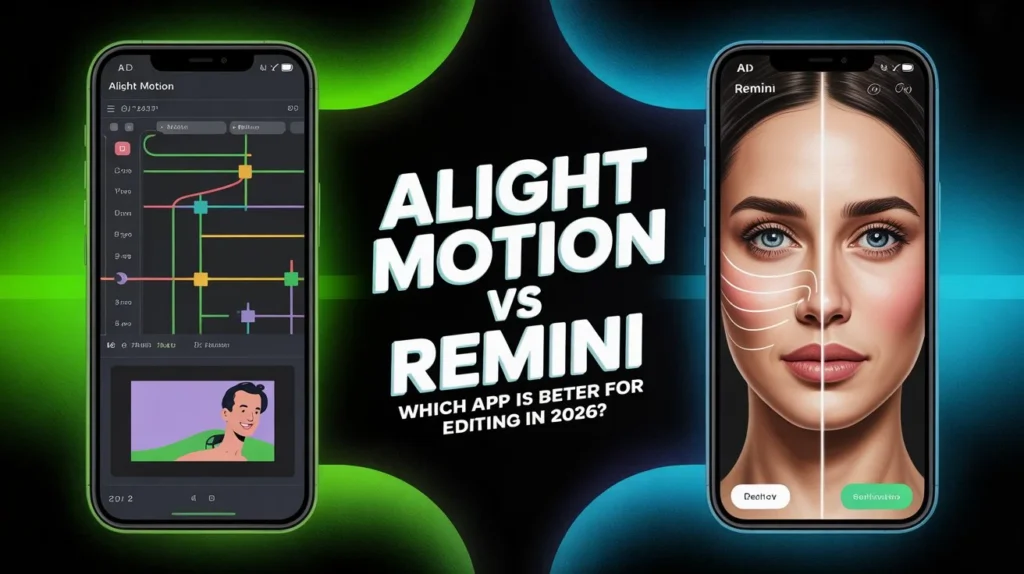
In 2026, mobile editing apps have become powerful enough to replace many desktop tools. Among the most popular names are Alight Motion vs Remini. While both are widely used by creators, they are designed for very different purposes. One focuses on creative control and animation, while the other relies on artificial intelligence to enhance media automatically.
This article explores how both apps work, what they offer, and which one is better for your editing needs in 2026.
What Is Alight Motion?
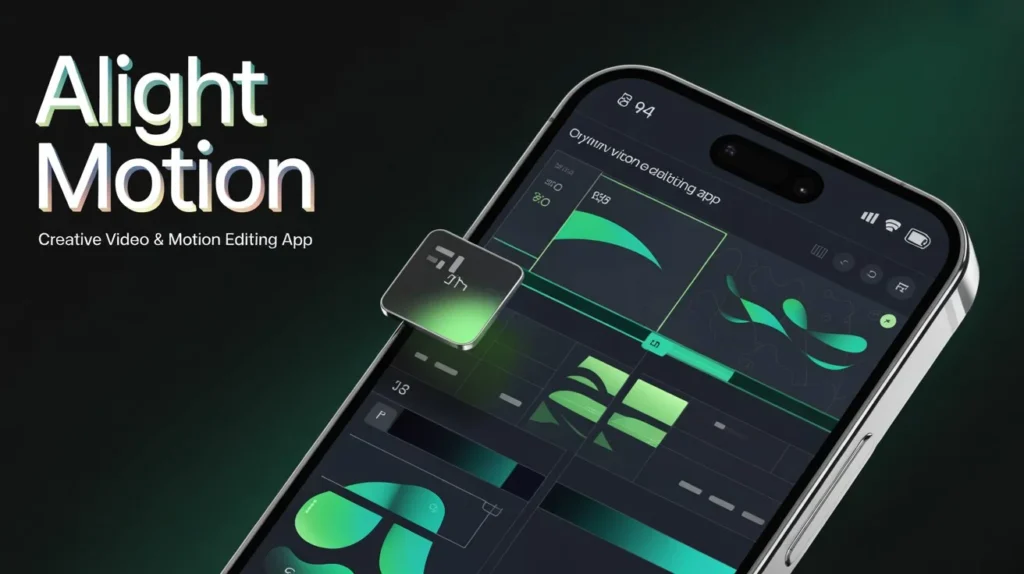
Alight Motion is a professional motion graphics and video editing app for mobile users. It allows creators to build videos from scratch using layers, keyframes, effects, and animations.
Key Features of Alight Motion
- Keyframe animation for movement, scale, rotation, and opacity
- Support for vector and bitmap graphics
- Multiple video, image, and audio layers
- Visual effects, blending modes, and color correction
- Masking and shape tools
- Export in MP4, GIF, and image sequence formats
- High-resolution exports, including 4K (device-dependent)
Alight Motion is popular among content creators who want full creative freedom, especially for social media edits, animated text, reels, intros, and motion designs.
What Is Remini?
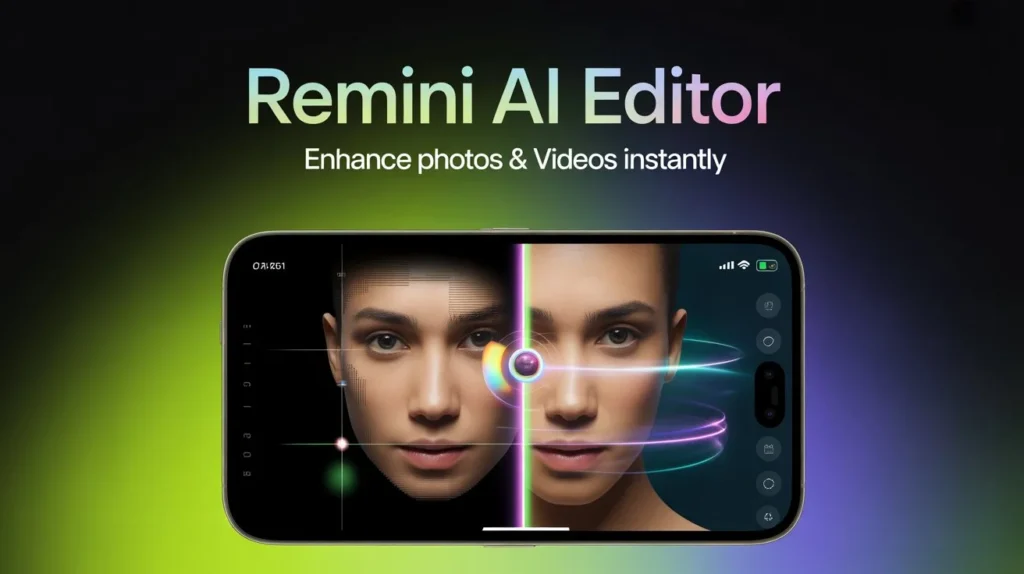
Remini is an AI-powered photo and video enhancement app. Unlike traditional editors, Remini does not focus on manual editing. Instead, it automatically improves quality using artificial intelligence.
Key Features of Remini
- AI photo enhancement and restoration
- Video clarity improvement
- Face detail enhancement
- Noise reduction and sharpening
- Old or blurry media restoration
- One-tap processing with minimal user input
Remini is designed for users who want quick results without learning complex editing techniques.
Alight Motion vs Remini: Feature Comparison
| Feature | Alight Motion | Remini |
| Primary Purpose | Creative video & motion editing | AI quality enhancement |
| Editing Style | Manual, creative control | Automatic, AI-based |
| Keyframe Animation | Yes | No |
| Layer Support | Multiple layers | Single file |
| AI Enhancement | Limited | Strong |
| Ease of Use | Medium to advanced | Very easy |
| Internet Required | Mostly offline | Required |
| Best For | Animations, reels, graphics | Restoring & enhancing media |
Which App Is Better for Editing in 2026?
Alight Motion Is Better If:
- You want to create content from scratch
- You need animations, transitions, and layered editing
- You edit reels, TikTok videos, YouTube shorts, or motion graphics
- You prefer creative control over automated results
Downside:
It has a learning curve and may feel complex for beginners.
Remini Is Better If:
- You want to improve photo or video quality instantly
- You have old, blurry, or low-resolution media
- You don’t want to manually edit or design content
- You prefer AI-powered enhancement
Downside:
It cannot create animations, transitions, or creative edits.
Can You Use Both Together?
Yes. Many creators in 2026 use both apps together:
- Remini to enhance image or video quality
- Alight Motion to animate, edit, and design the final content
This combination delivers both quality improvement and creative freedom.
Final Verdict
Alight Motion and Remini are not direct competitors — they serve different purposes.
- Choose Alight Motion if you want professional-level editing, animations, and motion graphics.
- Choose Remini if your goal is fast, AI-based enhancement of existing photos or videos.