7 Comparison Alight Motion VS KineMaster: Best Choice for Smooth Transitions?
In the mobile video editing world,are two of the most powerful and popular apps available for creators. Whether you’re making cinematic edits, motion-graphics-driven content, or social media videos, choosing the right app can make a big difference—especially when your focus is on smooth transitions. This article dives into both apps Alight Motion vs KineMaster’ strengths and weaknesses, comparing them across key criteria, and ultimately helps you decide which one is the best choice for your needs.
key Comparison Alight Motion VS Kinemaster

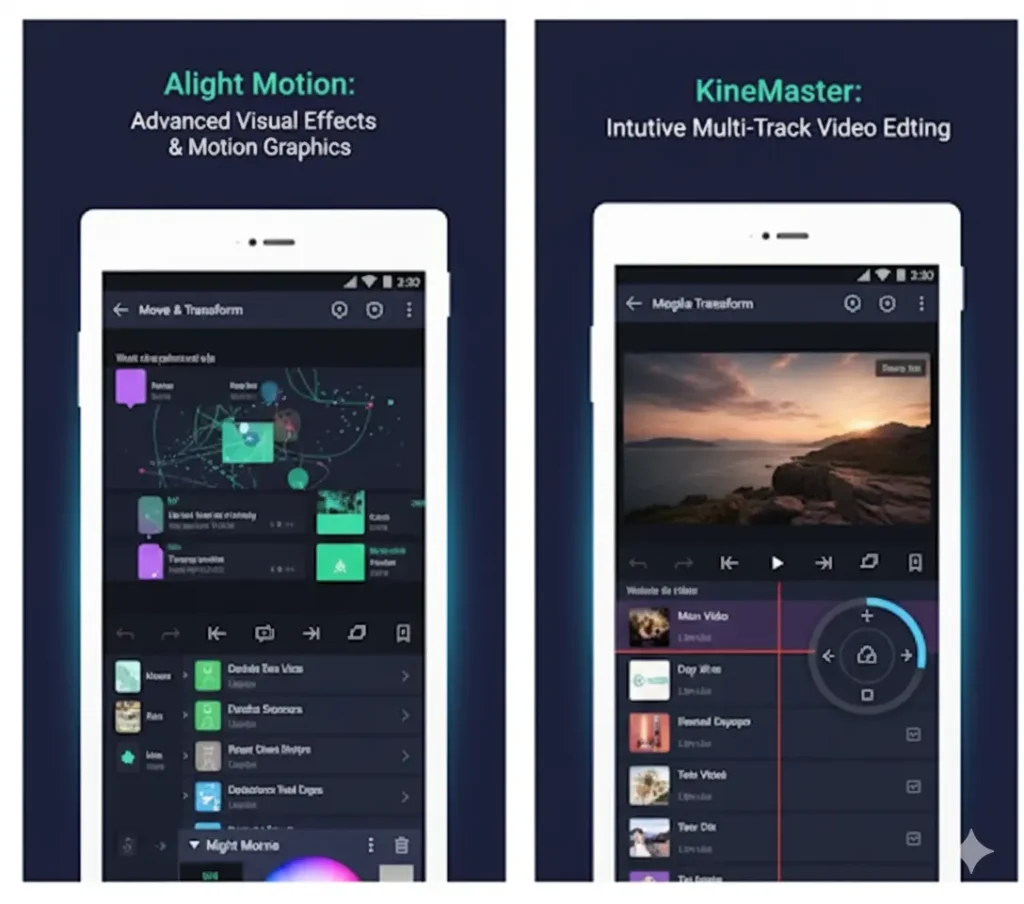
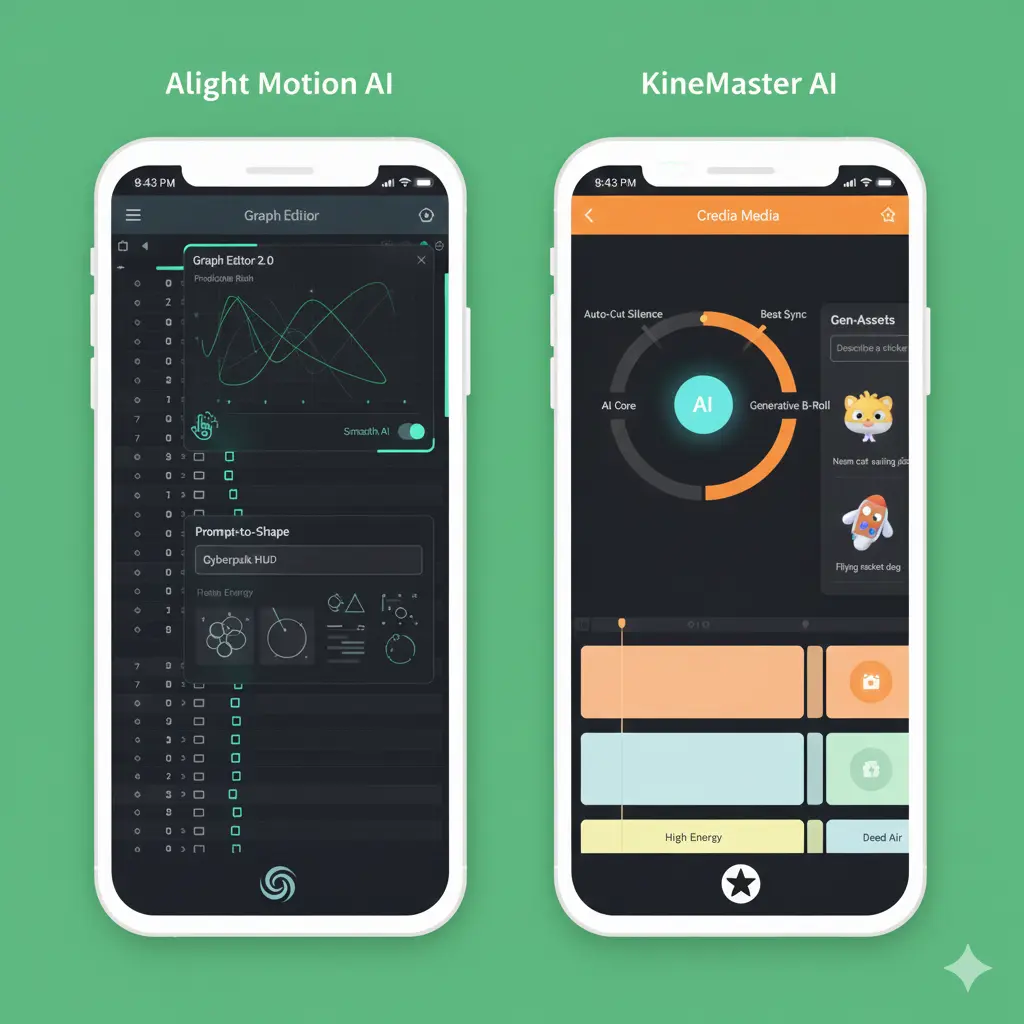
Alight Motion is known for its strong motion graphics capabilities. It’s particularly popular among creators who want to animate, keyframe, and design complex visual sequences on their mobile devices.Meanwhile, KineMaster is a more traditional video editor with a broad appeal: it’s user-friendly, supports multi-layer editing, and has a built-in library for effects, transitions, and audio. You may also like this article Alight Motion VS VN Editor.
1. Animation & Keyframe Control
- Alight Motion
- Offers advanced keyframe animation capabilities: you can animate almost any property (position, rotation, scale, opacity, etc.).
- Supports easing curves (e.g., Bezier, spring), which enable very natural, fluid motion.
- Because of this granular control, you can design very smooth, customized transitions.
- Offers advanced keyframe animation capabilities: you can animate almost any property (position, rotation, scale, opacity, etc.).
- KineMaster
- Has keyframe support, but it’s more limited and less flexible than Alight Motion’s.
- Better suited for simpler motion or prebuilt transitions rather than deep animation work.
- Has keyframe support, but it’s more limited and less flexible than Alight Motion’s.
Verdict on Animation: If your transitions rely heavily on custom animation, Alight Motion is superior. For more standard video transitions, KineMaster will often suffice.
2. Layering & Compositing
- Alight Motion
- Allows multiple layers (videos, images, text, shapes) with near-infinite stacking.
- Provides blending modes (overlay, multiply, screen, etc.) and masking/clipping, giving you powerful compositing tools to create smooth, layered transitions.
- Supports both vector and bitmap graphics, which is great for motion design.
- Allows multiple layers (videos, images, text, shapes) with near-infinite stacking.
- KineMaster
- Also supports multi-layer editing (video, audio, text), though often considered more limited than Alight Motion in layering depth.
- Includes a chroma key (green screen) tool, which is useful for compositing effects across layers.
- Easier to manage for quick edits, but lacks some of the more advanced masking and compositing flexibility of Alight.
- Also supports multi-layer editing (video, audio, text), though often considered more limited than Alight Motion in layering depth.
Verdict on Layering: For complex compositing and layer-based transitions, Alight Motion offers more creative freedom. KineMaster is simpler and more intuitive for basic layering.
3. Effects, Transitions & Presets
- Alight Motion
- Rich library of presets, but the real power lies in creating custom effects via keyframes and blending.
- Because of its animation-first design, transitions can be highly stylized: motion blur, organic movements, and custom easing are very well supported.
- Rich library of presets, but the real power lies in creating custom effects via keyframes and blending.
- KineMaster
- Comes with a library of pre-made transitions, including wipes, 3D flips, fades, etc.
- Offers many prebuilt transitions, making transition creation faster and more plug-and-play, but less customizable than in Alight.
- Comes with a library of pre-made transitions, including wipes, 3D flips, fades, etc.
Verdict on Effects/Transitions: If you want to build your own unique transitions, Alight Motion shines. If you prefer ready-made options for speed, KineMaster is more convenient.
4. Audio Editing
- Alight Motion
- Provides basic audio editing: you can import audio, adjust volume, and sync sound to animation, but it’s not as feature-rich for multi-track audio.
- Best suited when audio is a background element to motion graphics rather than the core of the edit.
- Provides basic audio editing: you can import audio, adjust volume, and sync sound to animation, but it’s not as feature-rich for multi-track audio.
- KineMaster
- Supports multi-track audio (voiceovers, music, effects) in a more robust way.
- Provides tools like EQ, volume envelope, and voice changer.
- This makes it more powerful for creators who care about sound design or need professional-sounding audio.
- Supports multi-track audio (voiceovers, music, effects) in a more robust way.
Verdict on Audio: For advanced audio and sound layering, KineMaster is more capable. For animation-focused content, Alight is often enough.
5. Export & Quality
- Alight Motion
- Exports in a variety of formats: MP4, GIF, PNG sequence, WebM.
- Offers control over bitrate and FPS, which is crucial for smooth, high-quality transitions.
- Supports 4K export (depending on your device).
- Some users report export crashes or lag, especially on complex projects or less powerful devices.
- Exports in a variety of formats: MP4, GIF, PNG sequence, WebM.
- KineMaster
- Also supports 4K export.
- Exports in common video formats (MP4, MOV, 3GP) depending on platform.
- Watermark in free version; to remove, you need a subscription.
- Also supports 4K export.
Verdict on Export: Alight Motion gives more control for high-fidelity exports, especially if transitions are complex. KineMaster is solid for standard video exports, but you may sacrifice some control.
6. Performance, Stability & Usability
- Alight Motion
- More resource-intensive due to its advanced features. On older or low-spec devices, users often report lag during preview or crashes during export.
- Preview quality may be low to maintain performance.
- Some users note lack of frequent updates or slower development.
- More resource-intensive due to its advanced features. On older or low-spec devices, users often report lag during preview or crashes during export.
- KineMaster
- Generally more stable for basic video editing tasks.
- Easier learning curve thanks to its straightforward interface.
- Less demanding on system when doing “normal” edits (but complex multi-layer, high-res projects can still strain resources).
- Generally more stable for basic video editing tasks.
Verdict on Performance: If your device is powerful, Alight Motion can handle very creative edits. For smoother performance on mid-tier devices or simpler edits, KineMaster may feel more reliable.
7. Pricing & Subscription Models
- Alight Motion
- Free version with watermark; premium subscription removes watermark and unlocks more effects, higher export settings, and advanced features.
- Free version with watermark; premium subscription removes watermark and unlocks more effects, higher export settings, and advanced features.
- KineMaster
- Free version with watermark; subscription unlocks asset store, higher quality exports, and more tools.
- Free version with watermark; subscription unlocks asset store, higher quality exports, and more tools.
Verdict on Pricing: Alight Motion is slightly more expensive in some models, but its power may justify that price for advanced users. KineMaster offers good value for general editing.
Pros & Cons Summary
| App | Pros | Cons |
| Alight Motion | Powerful keyframe animation, deep layering, blending & masking, flexible export | Steep learning curve, resource-intensive, slower updates |
| KineMaster | User-friendly, prebuilt transitions, strong audio editing, stable | Limited keyframe control, less depth in motion graphics, free version watermark |
When to Choose Which: Use-Case Scenarios
Want reliable performance with fewer crashes and faster exporting on mid-range hardware.
| Choose Alight Motion if you | Choose KineMaster if you |
|---|---|
| You are creating motion graphics, animated titles, or VFX-heavy content. | You need to edit regular vlogs, social media videos, or traditional video content. |
| You want precise control over the timing, easing, and path of your transitions. | You prefer working with prebuilt transitions, assets, and a simpler workflow. |
| You are okay with a steeper learning curve and possibly longer editing/render times. | You want faster, more efficient editing with a straightforward interface. |
| You have a relatively powerful device, so performance isn’t an issue. | You are using a mid-range device and need stable performance. |
Critical Analysis: Which Is Better for Transitions?
- Custom Transitions: Alight Motion’s keyframes and easing give unmatched flexibility.
- Prebuilt Transitions: KineMaster’s library allows for quick and easy use, though less custom.
- Performance & Preview: Complex projects in Alight Motion may lag depending on device.
- Export Quality: Alight Motion allows finer control over bitrate and frame rate, ideal for smooth transitions.
Conclusion
Both Alight Motion and KineMaster are excellent apps, but your choice depends on your editing style and project needs. If smooth, custom transitions are your priority and you want full control, Alight Motion stands out. If you prefer prebuilt transitions, multi-track audio, and faster editing on a simpler interface, KineMaster is the practical choice.