Alight Motion Mod APK vs FilmoraGo – Best Choice for Creators
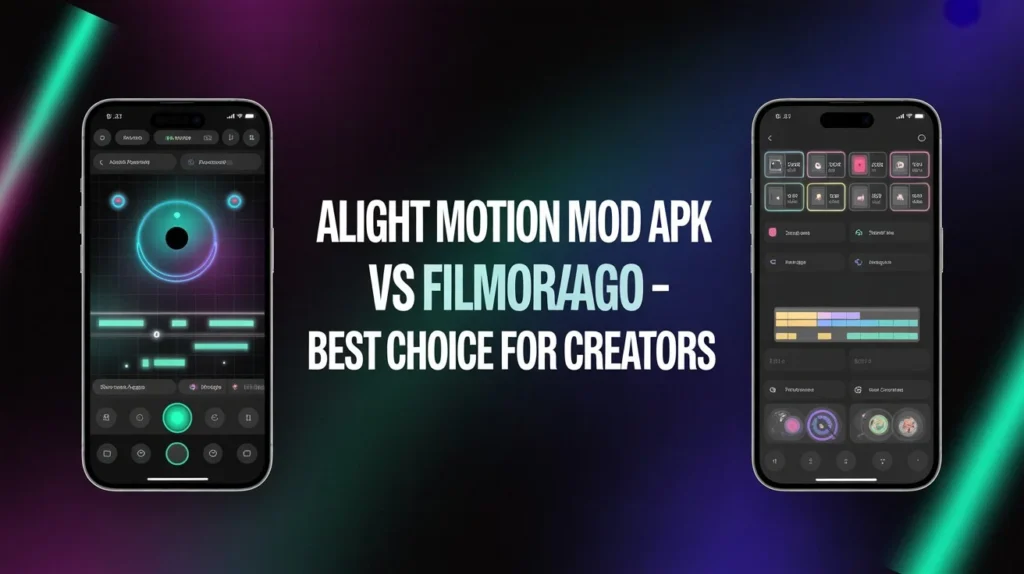
Choosing the right mobile video editor can make or break your content. Two popular options that creators often compare are Alight Motion Mod APK vs FilmoraGo. Both apps target creators who want powerful editing features on smartphones, but they approach usability, features, and monetization differently. This article breaks down both apps clearly — specifications, features, side-by-side comparisons, pricing overview, benefits, pros and cons, and a recommendation for different creator needs
Mobile editing is no longer just trimming clips. Modern creators demand multi-layer timelines, motion graphics, color tools, and smooth export options. Alight Motion built its reputation on motion design and fine-grained animation controls, while FilmoraGo focuses on fast, accessible video editing with a friendly interface and pre-made templates. If you’re deciding between a modded Alight Motion APK (which unlocks paid features in unofficial builds) and FilmoraGo’s official app, understanding features, stability, and long-term suitability is essential.
Both Apps — Specification Table
| Specification | Alight Motion (Mod APK / Official) | FilmoraGo |
| Platform | Android (APK), iOS (official) | Android, iOS |
| Core focus | Motion graphics, vector animation, keyframe control | Template-driven editing, quick video production |
| Layers / timeline | Multi-layer with keyframes | Multi-track timeline (simpler layering) |
| Export options | Multiple formats, customizable bitrate (depends on version) | Preset resolutions including HD; social platform presets |
| Built-in effects | Advanced effects, blending modes, vector shapes | Filters, transitions, stickers, text effects |
| Learning curve | Moderate to steep (power tools) | Low (beginner-friendly) |
| Monetization | Free + paid; mod APKs may remove paywalls | Free + in-app purchases / subscription |
| Stability (varies) | Official stable; mod APKs may be unstable | Generally stable (official app) |
Features — Quick Introduction
Alight Motion shines in motion design: precise keyframe animation, vector support, blend modes, and per-layer effects. It’s ideal when you want custom animated intros, kinetic typography, or complex compositing on mobile.
FilmoraGo emphasizes speed and simplicity. It provides easy trimming, drag-and-drop transitions, a library of templates and music, and one-tap aspect ratio switching for social platforms. It’s designed for creators who need polished videos quickly.
Side-by-Side Comparison
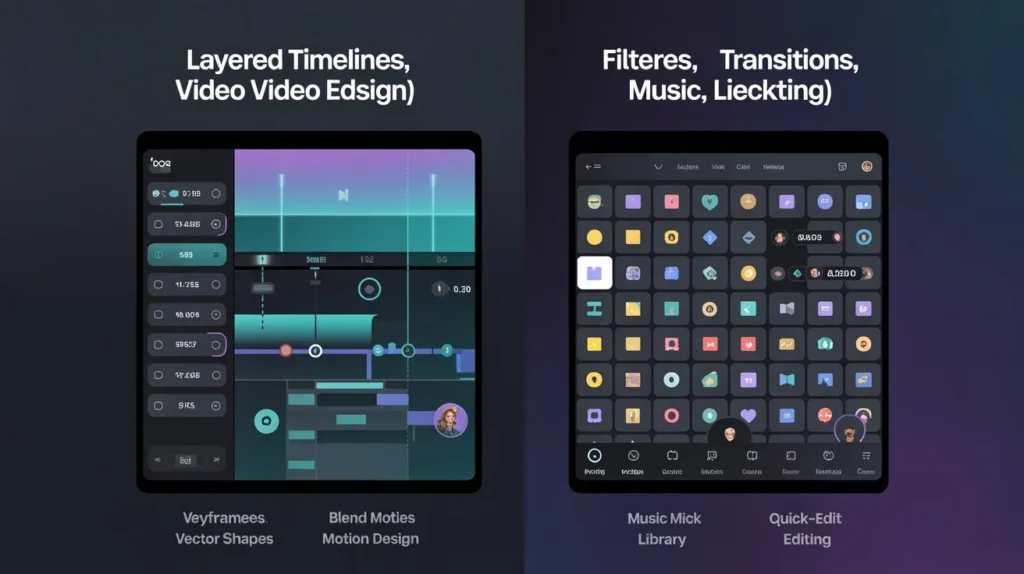
- Ease of use: FilmoraGo wins for beginners thanks to a streamlined interface and templates. Alight Motion requires more time to learn but rewards with precision.
- Animation & motion graphics: Alight Motion is superior. It provides frame-accurate keyframes, path animation, and vector tools FilmoraGo doesn’t match.
- Effects & filters: Both offer a wide range. FilmoraGo offers quick presets and trending effects; Alight Motion offers deeper customizable effects and blending modes.
- Export flexibility: Alight Motion (official paid tiers) tends to provide more granular control over resolution and bitrate. FilmoraGo simplifies exports with optimized presets.
- Templates & speed: FilmoraGo’s template library speeds up content creation. Alight Motion’s strength is custom design rather than templates.
- Stability & security: Official releases of either app are generally stable. Mod APKs (unofficial altered installers) can introduce stability and security risks and may lack updates.
Prices — Overview Table
| Tier | Alight Motion (Official) | FilmoraGo |
| Free | Basic features with watermark and export limits | Basic editing with watermark or limited features |
| Monthly | Paid unlocks for pro features (official subscription) | Monthly subscription for premium assets & watermark removal |
| Annual | Discounted annual plan for full access | Annual plan with full features and assets |
| One-time purchase | Sometimes available for certain features in official app | Generally subscription-based for premium features |
Benefits — Introduction
Both apps help creators make better videos on mobile. FilmoraGo lowers the barrier to entry and speeds up production for social posts and vlogs. Alight Motion empowers creators who care about motion graphics and nuanced visual polish. Choosing the right tool depends on whether you prioritize speed and convenience or animation depth and customization.
Pros and Cons Table
| App | Pros | Cons |
| Alight Motion (official) | Powerful keyframing, vector tools, advanced effects, export controls | Steeper learning curve; some features paid |
| Alight Motion (mod APK) | Access to premium features without payment (advertised) | Security risks, no official support/updates, possible instability |
| FilmoraGo | Easy to learn, many templates, quick exports, stable official builds | Less granular animation control; some advanced effects unavailable |
Which One Is Best? — Intro & Suggestion
If you are a creator who needs animated intros, custom transitions, motion typography, or fine control over every visual element, Alight Motion (official paid tier) is likely the best choice. It’s the better tool for motion design and experimental visuals.
If you make daily vlogs, social clips, short form content, or need speed and convenience, FilmoraGo will probably be a better fit. It gets you from raw clips to share-ready videos fast.
Important suggestion: Avoid using unofficial mod APKs for long-term projects. They may seem attractive for unlocked features, but they can compromise your device security, cause crashes, and leave you without updates — all of which can cost you time and work. If budget is a concern, explore free tiers first and consider official subscriptions only when they clearly speed up your workflow.
Final Thought of Alight Motion Mod APK vs FilmoraGo
Both Alight Motion and FilmoraGo serve creators well but target different priorities. Alight Motion rewards patience with precision and creative control; FilmoraGo rewards speed and simplicity. Evaluate the kinds of videos you make most often — animation-heavy or fast social clips — then choose the app that matches that workflow. If you want both speed and occasional motion design, consider using FilmoraGo for quick edits and Alight Motion for higher-value motion pieces.