Alight Motion VS Inshot: Which App Gives More Creative Freedom
Alight Motion VS Inshot Mobile editing apps have split into two camps: lightweight, social-focused editors for quick content (speed + templates), and deeper tools aimed at creators who want precise control over motion, animation and compositing. Choosing the right tool saves time and helps you reach the look you want — whether that’s a slick motion-graphics promo or a viral 30-second Reel.
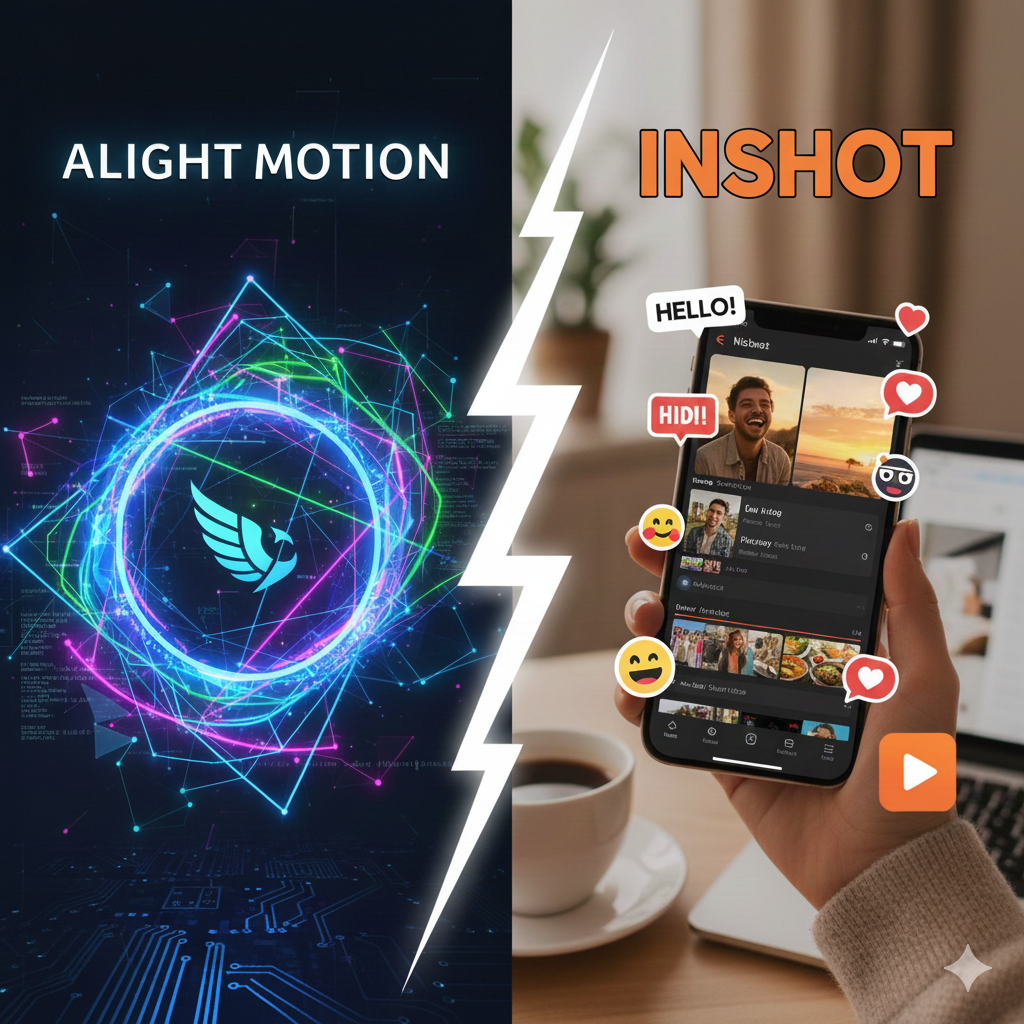
Alight Motion VS Inshot
| Aspect | Alight Motion | InShot |
| Primary strength | Keyframe animation, motion graphics, vector & compositing. | Fast timeline edits, filters, templates, social-ready exports. |
| Learning curve | Moderate — more like a desktop editor (needs practice). | Very low — beginner friendly and quick to learn. |
| Layers & keyframes | Multi-layer support and detailed keyframe control. | Basic clip-level trimming; simple effects; limited keyframing. |
| Audio tools | Multi-track timeline, precise sync controls. | Easy music library, auto-captions, simple voiceover. |
| Export quality (max) | Up to high/4K (Pro features). | Up to HD/4K depending on subscription and device. |
| Platforms | Android, iOS, macOS (Apple Silicon). | Android, iOS; social-platform friendly. |
| Price model | Free tier + subscription for Pro features (remove watermark, high-res exports). | Free tier + subscription for Pro (remove watermark, more assets). |
| Best for | Motion designers, creators who want fine animation control. | Social creators, beginners, quick content producers. |
Alight Motion VS Inshot Features that determine “creative freedom”
✔️ Animation & motion control
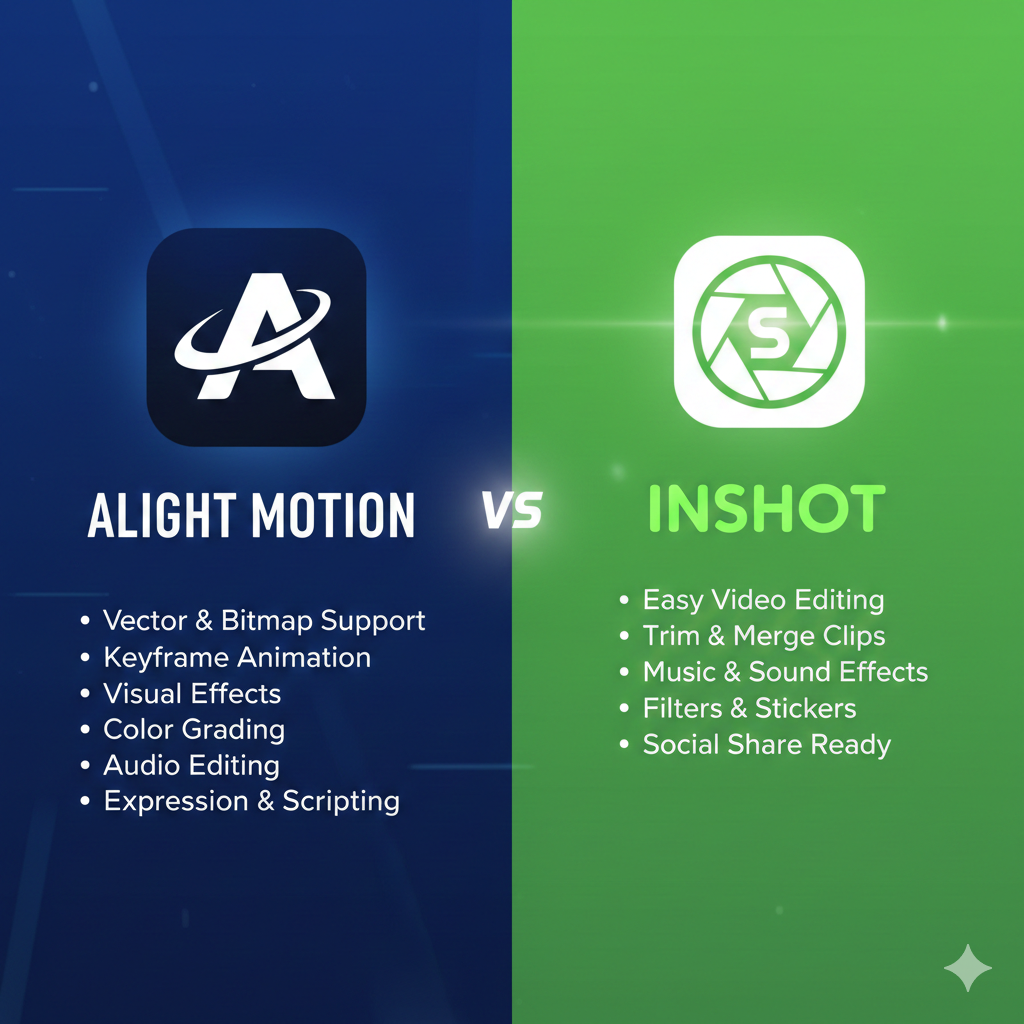
Alight Motion: Built for animation — true keyframe-based animation, easing curves, vector support and layer compositing that behaves like a lightweight motion-graphics tool on mobile. That means you can animate properties precisely (position, scale, opacity, rotation) and create complex motion sequences. InShot: Focuses on clip-level edits, quick speed changes, simple transitions and stickers — excellent for quick motion effects, but it doesn’t offer the same level of keyframe precision and layer compositing as Alight Motion.
✔️Timeline & layers
Alight Motion supports multiple layers and a timeline that feels closer to desktop editors. That gives you more freedom to stack visual elements and animate them independently. InShot’s timeline is optimized for speed — ideal for single-track edits and simple overlays.
✔️Visual effects, blending & color
Alight Motion offers advanced blending modes, color correction tools, and effects that let you craft unique looks and composite footage. InShot provides many filters and quick presets that are great for consistent social aesthetics, but less flexible for detailed color grading.
✔️ Audio & voiceover
InShot shines with a large built-in music library, quick voiceovers and social-friendly sound effects; it’s easy to add music and sync. Alight Motion supports multi-track audio and more precise syncing, which is superior when you need frame-accurate sound design.
✔️ Ease of use vs. power tradeoff
Reviews and hands-on testing consistently say InShot is the faster way to make polished social posts — a shallow learning curve and quick workflows. Tech reviewers note that Alight Motion has a steeper learning curve but rewards patience with much greater creative control.
Pricing & watermarks (what to expect)
Both apps offer a free tier with limitations (watermarks, limited export resolutions or premium assets). Removing watermarks, unlocking high-resolution exports and premium assets requires a subscription in both apps. Always use the official app stores or the official websites to subscribe — avoid unofficial “mod” APKs or cracked downloads (they’re unsafe and often illegal).
Who should choose which app?
- Choose Alight Motion if:
- Choose InShot if:
Conclusion
Choosing between Alight Motion VS Inshot ultimately depends on what kind of creator you are and how much control you want over your visuals. If you enjoy shaping every movement, adjusting layers, creating animated titles, and adding depth to your edits, Alight Motion gives you the freedom and precision to design content exactly the way you imagine it. In contrast, if your goal is to produce polished videos quickly, with easy filters, presets and a straightforward interface, InShot is built to support fast posting and hassle-free editing. Both apps serve different creative needs, and the best option is simply the one that matches your style, workflow, and vision. Whether you choose advanced motion design or quick social editing, both tools are powerful enough to help you create standout content in your own way.